Stealth horror · Game jam
Fatal Façade
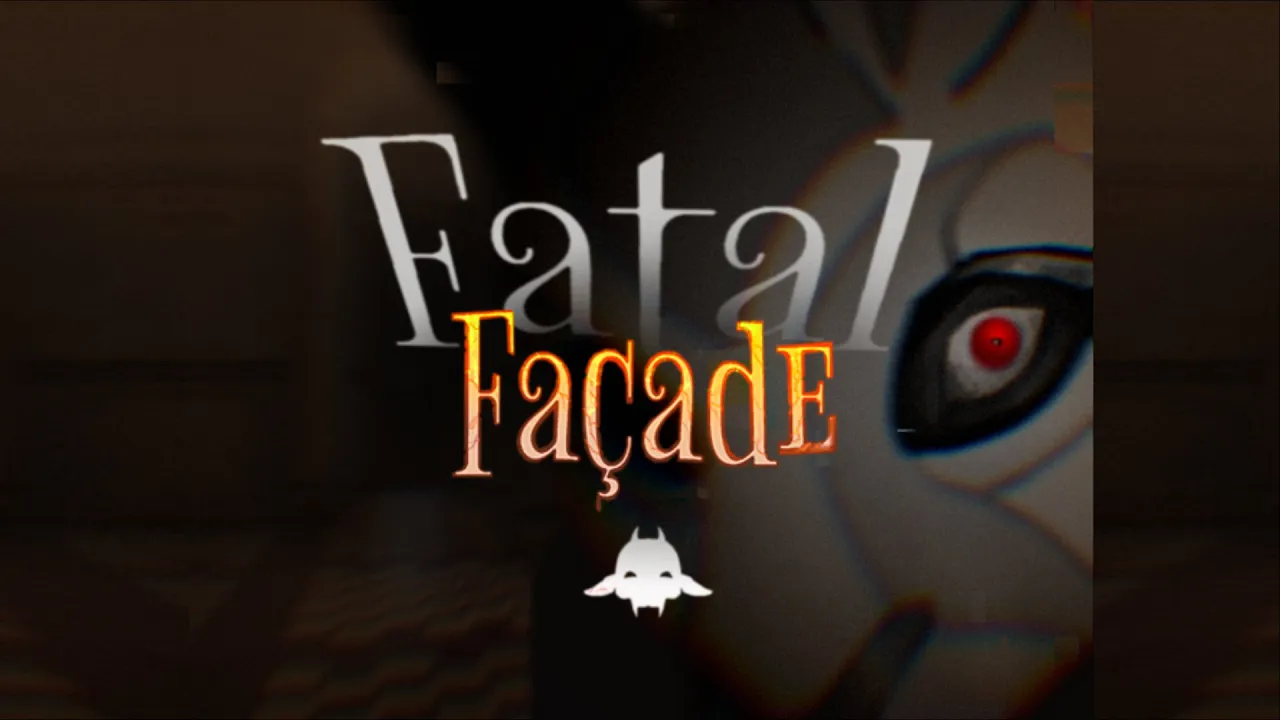
A hiding-in-plain-sight horror game set at a masquerade of vampiric carnival puppets, made in 48 hours for Global Game Jam 2026.

The pitch
“You find yourself at a masquerade filled with vampiric Carnival puppets! Use your mask to blend in and avoid being discovered. Who knows what those things would do to you if they find out what you actually are... but watch out! You feel yourself becoming more like them the longer you have your mask on...”
The setting was inspired by the carnival festivities in Breda.
My role
I was the UI/UX designer in a team of 15: six designers, three programmers and six visual artists, with 48 hours to make a game. I designed the layouts of all menus and implemented them in Unreal Engine 5, and our UI artist created the final art.
The mask vignette: the screen as a warning
The mask is the game’s core mechanic. It keeps you hidden, but the longer you wear it, the more you become one of the puppets. I wanted the player to feel that danger rather than just read it, so I built a vignette effect with a custom material. The longer the mask stays on, the darker the edges of the screen become, until the darkness closes in and the player succumbs.
Because the effect is part of the screen itself, the player sees the warning without having to look away from the game.
Menus and polish
I designed and built the start and death screens, and added small animations to make them feel responsive. In a 48-hour jam, polish is often the first thing to go, but a few quick animations make even a small game feel finished.

Communication in the chaos
A game jam with 15 people gets messy fast when there’s no pipeline. I made sure to communicate actively with the team, and to let the other disciplines know whenever I changed something, so nobody built on outdated work.
What I learned
Small polish goes a long way. A few quick animations made the menus feel juicy, even under extreme time pressure.
Feedback can be part of the game. The vignette taught me that UI isn’t only menus and HUDs. The whole screen can communicate with the player.
I’d already learned more than I thought. This was one of my first projects as a UI/UX designer, and seeing polished UI come together in 48 hours showed me my progress and gave me the motivation to keep going.
What I’d do differently
Playtest during the jam, not just at the end. Short playtest moments throughout the 48 hours would help us catch bugs earlier and see whether players understand the systems, like how the vignette warns them about wearing the mask too long. What’s obvious to the team after hours of work isn’t always obvious to a new player.
Put a deadline on every agreement. We often agreed on what to do but didn’t set a time it had to be done by. Teammates then assumed some work was finished or already in the game while it wasn’t, and some work ended up scrapped. Next time I’d make sure every agreement comes with a clear “done by” time and an owner.
Content
No headings found
Project overview
Role
UI/UX Designer
Engine
Unreal Engine 5
Team
15 members
Duration
48 hours
Project type
Game jam · Global Game Jam 2026
Contributions
Designed and implemented the start and death screens
Added small UI animations to make the menus feel polished
Built the mask’s vignette effect with a custom material
Kept all disciplines updated on changes throughout the jam